





Single-Instance/Basic Deployment
Getting started with Cribl Stream on a single instance
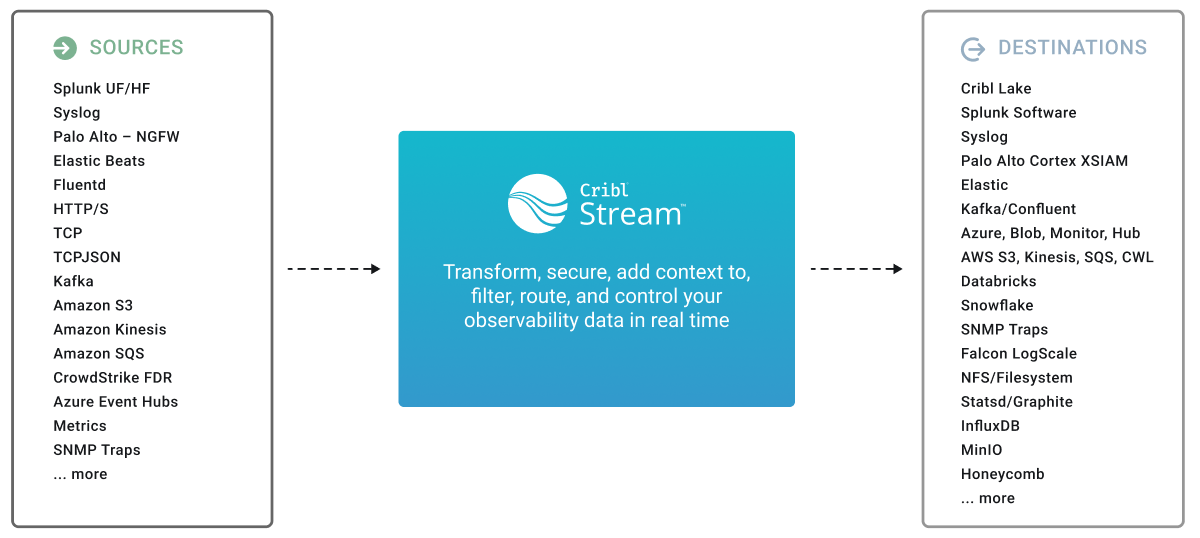
For small-volume or light processing environments - or for test or evaluation use cases - a single instance of Cribl Stream might be sufficient to serve all inputs, event processing, and outputs. The following steps implement a Single-instance deployment.
Architecture
Install on Linux
For system requirements, see OS and System Requirements. To launch Cribl Stream in compliance with secure Federal Information Processing Standards (FIPS), see FIPS Mode.
- Install the package on your instance of choice. Download it from the Cribl Downloads page.
- Ensure that required ports are available (see Network Ports).
- Un-tar in a directory of choice, for example, in the
/opt/directory:tar xvzf cribl-<version>-<build>-<arch>.tgz
To prevent issues with Cribl file operations, the installation directory (typically
/opt/cribl) and all its subdirectories must reside on the same fast local disk device. Network-attached storage such as NFS or EFS is not supported for the installation directory. Mounting separate devices within/opt/criblis not recommended on bare-metal or VM installs. In containerized deployments, the Helm chart and Docker Compose examples mount a separate volume (for example,/opt/cribl/config-volume) and setCRIBL_VOLUME_DIRto that mount. That pattern is expected and handled by the chart.You can place persistent queues, Destination staging directories, and lookups on other storage, including network storage, as long as you point them at a directory outside the installation tree. The shipped persistent-queue default (
$CRIBL_HOME/state/queues) is inside the installation tree, so change its location if you intend to use network storage. While/opt/criblis the default installation path, Cribl can be installed to other locations if necessary, provided that path is also on fast local disk.
Install Cribl Stream and Cribl Edge on the Same Host
You can run an Edge Node with a Leader that is managing Cribl Stream, or an Edge Node and a Worker Node on the same host. For details, see Installing Cribl Edge and Cribl Stream on the Same Host.
Next, refer to the Run Cribl Stream topic for details on managing Cribl Stream.