





Search Cribl Lake
Search your Cribl Lake data with Cribl Search.
Cribl Lake appears as a preconfigured Cribl Search Dataset Provider called
cribl_lake. This enables you to use Cribl Lake Datasets as Cribl Search Datasets and instantly start
searching them.
For Dataset Type v1 or v2 on Lake-backed federated Datasets (including filter rows on Type v2), see Connect Cribl Search to Cribl Lake.
Search a Lake Dataset
To access Cribl Search: From your Organization’s top bar, select Products, then select Search. You can then query your Lake Datasets from Cribl Search.
To ingest data directly into Cribl Search for fast, schema-aware searches, use a lakehouse engine. See Get Data In in Cribl Search.
Examples of Searching Cribl Lake
Use these examples as starting points for your own searches.
Basic Search into Cribl Lake
This search specifies the Dataset (test_dataset) and limits the number of results.
dataset="test_dataset"
| limit 100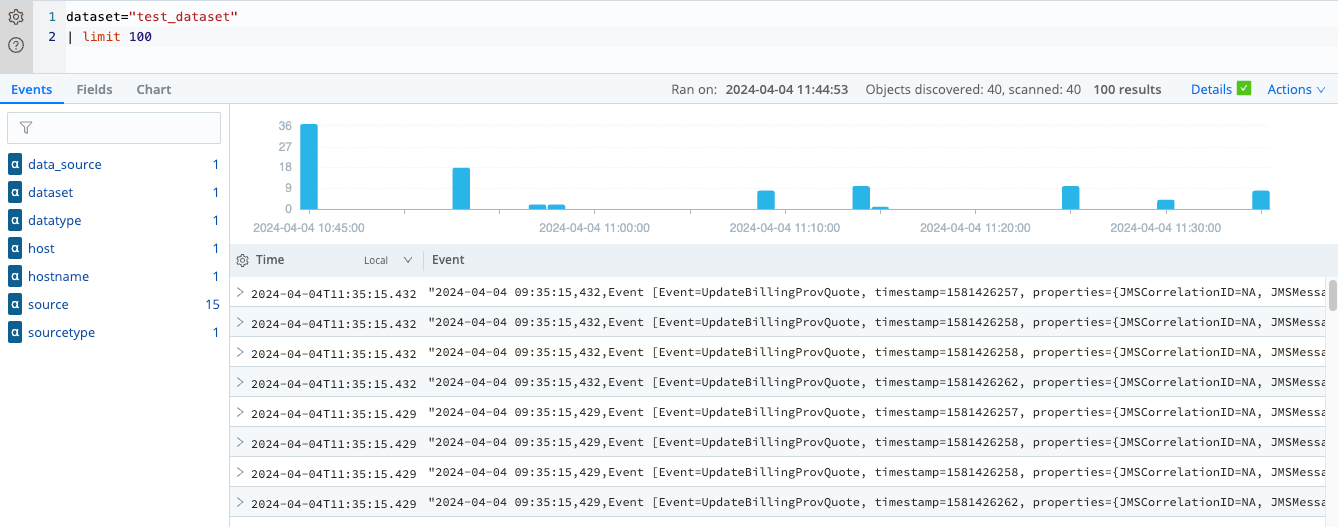
Search Cribl Lake with a Partition
This search uses a Lake partition named sourcetype that is configured for the
partitioned Dataset to speed up retrieval:
dataset="partitioned" host="cribl-stream"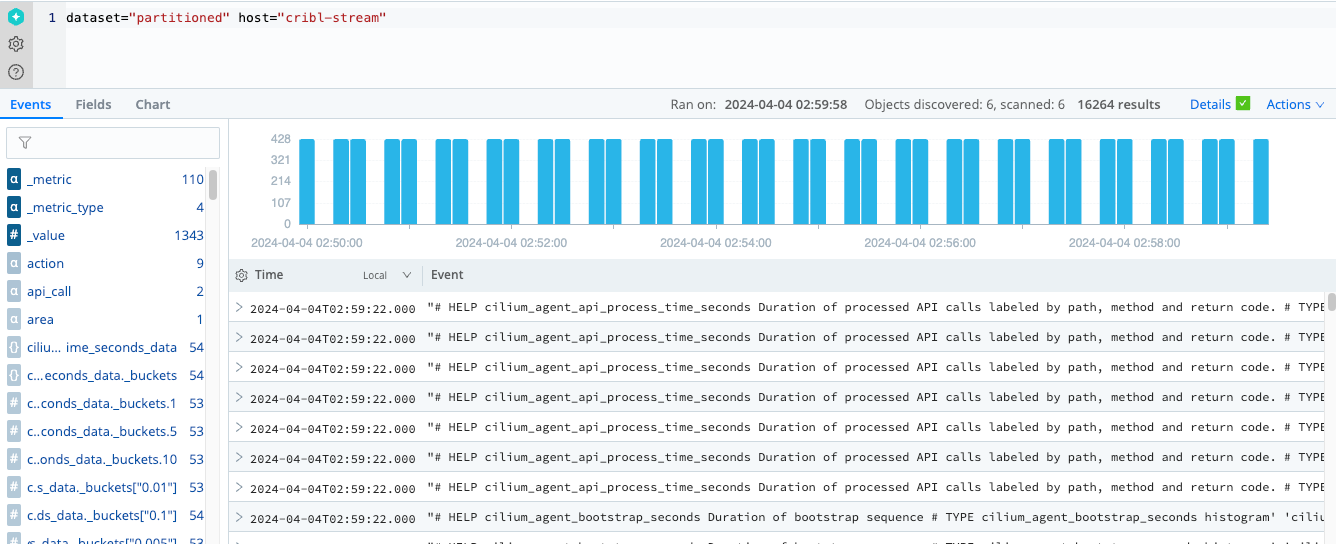
Export Cribl Search Results to Cribl Lake
The export operator lets you export Cribl Search results to a Lake Dataset. You can later search
this Dataset to extract relevant data from it.
An efficient way to search exported data is to provide the search job ID to the where operator:
dataset="exported_data"
| where source contains "1713177481843.9AOqxI"You can find the search job ID in search details after running it, or in the History tab, in the Search ID column.
You can also label exported events using the extend operator and then include the added fields in
your search. For example, during export you can include the user that performed the search:
dataset="cribl_search_sample"
| extend user = user()
| export to lake exported_dataYou can then search for data by this user:
dataset="exported_data"
| where user == "John Doe"