Charts
Visualize your search results, using Charts.
Cribl Search provides Charts to display aggregate search results. Cribl
and statistical functions are used together with the summarize,
eventstats, and timestats operators to aggregate your data.
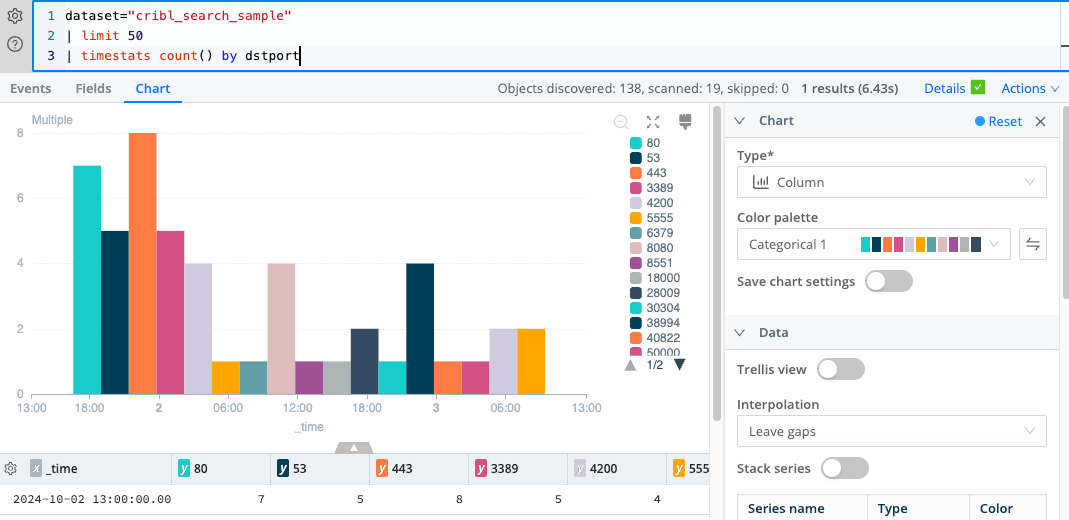
When you run an aggregate search, your results display on a Chart. You can select from various Chart types and color palettes, and you can manipulate how your results are plotted.
See the following topics:
- Types of Charts in Cribl Search - Each page explains an available Chart type, the types of data it’s best used for, and the settings available.
- Results Tables - covers the available options for the results table associated with a Chart, including sorting, filtering, and formatting tabular results.
See a Chart in Full Screen
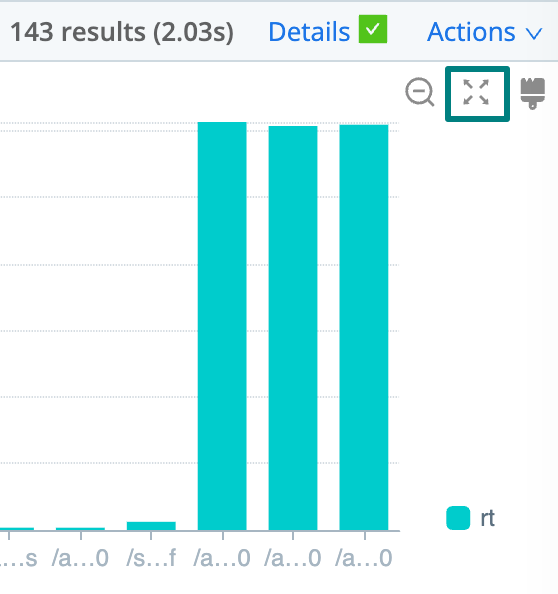
To zoom your Chart up to a larger view, select the expand (Full screen) button at the Chart’s top right.
Export a Chart as an Image
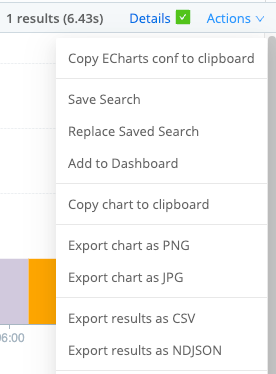
To export your search results or Chart, open the Actions drop-down and select one of the following:
- Export chart as PNG.
- Export chart as JPG.
- Export results as CSV.
- Export results as NDJSON.
Save or Reset Chart Settings
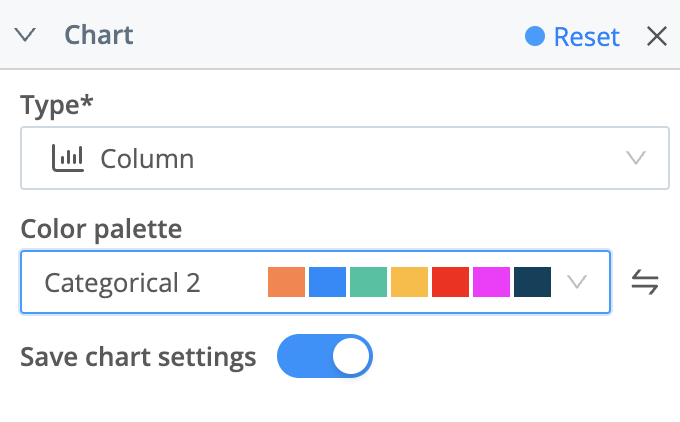
Save chart settings is off by default. Toggle Save chart settings to On to keep the current chart settings for later searches on the same page. Toggle Save chart settings to Off when a later search no longer matches the saved settings.
Log Search puts Type and Save chart settings in the Chart group. The selected type’s settings are in the Format group. On a Dashboard, Type is in the Panel group, with the selected type’s settings in the Format group.
Select Reset to restore the default chart for the current results.
Cribl Search picks the default from the results when you haven’t chosen a Type:
- Line for results over time.
- Column for categories.
- Scatter for two numeric fields.
In a new panel, Type stays empty until the search returns results. If you select a type first, Cribl Search keeps that type.
When you select a different Type, Cribl Search keeps settings that still apply, such as the fields you selected, the legend, and number formats. Cribl Search resets settings the new type can’t use to that type’s defaults.
Dashboards don’t include Save chart settings. A Dashboard panel keeps its settings on the Dashboard.